Is your website secure? 👮 Cybersecurity tips for photographers
As a photographer, your business lives online: your website, your client galleries, your email, your social media and, above all, your files. A stolen login or a failing hard drive can cost you days of work, a client’s trust or, at worst, photos that can never be retaken.
The good news is that cybersecurity does not have to be complicated. Most problems can be avoided with a few habits. Here are the most important ones, designed around a photographer’s day-to-day work.

What cybersecurity is (and why it matters to you)
Cybersecurity is the set of measures that protect your devices, accounts and data from unauthorised access, theft or loss. It is not just for big companies: a problem hits hardest when you work alone or with a small team, because there is nobody else to fix it for you.
8 cybersecurity habits for photographers
1. A different password for every service
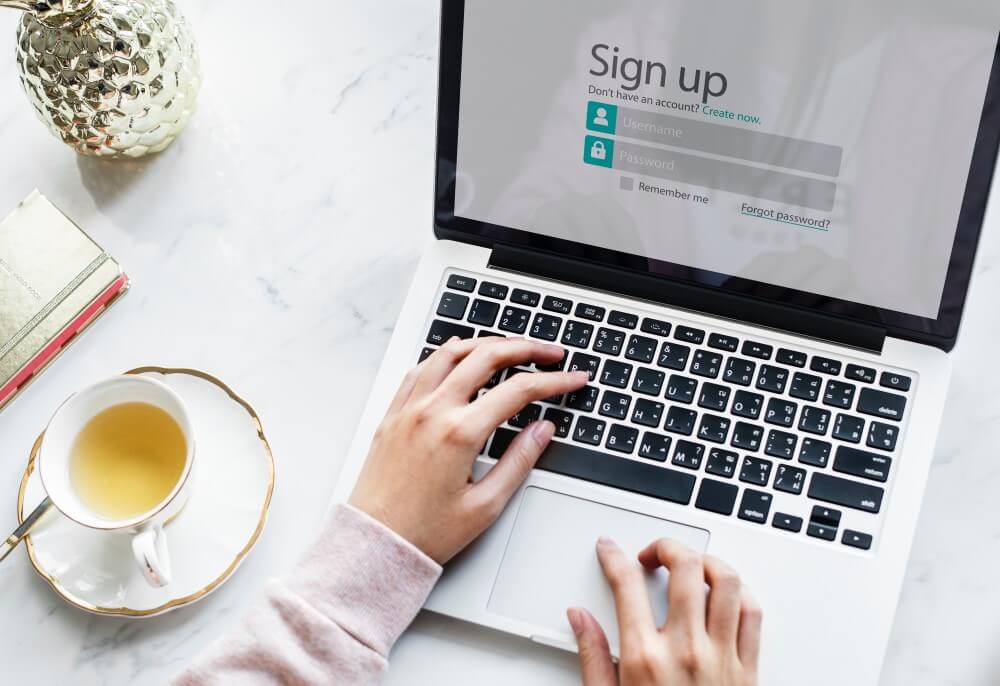
Using the same password for your email, website, social media and bank is the most common mistake. If it leaks from one service, attackers try it on all the others.
The answer is a password manager: it stores all your passwords encrypted, generates long ones for you and fills them in on your browser and phone. You only need to remember one.
2. Two-step verification and passkeys
Two-step verification adds a code, on top of your password, when you log in. Even if someone gets hold of your password, they cannot get in without that code. Turn it on at least for your email, social media, bank and website dashboard.
If you can choose, use an authenticator app rather than SMS, and use passkeys on services that already offer them: you sign in with your phone’s fingerprint or face, with no password to steal. Two-step verification is coming very soon to the Arcadina dashboard too.
3. Be wary of urgent messages
Phishing is still the most common way to steal logins: a message that imitates your bank, a social network or your provider and asks you to click a link. The ones photographers see most often:
- «Your domain expires today, renew it here».
- «Your Instagram account will be deleted for copyright infringement».
- A so-called client sending you a link to download reference photos for their wedding.
- A text or WhatsApp message from a courier with a tracking link.
The rule is simple: if a message rushes you and asks you to click a link, enter a password or pay, do not do it from the message. Go to the service yourself, by typing the address or using the app, or contact the company another way. And do not open attachments you were not expecting, even if they seem to come from someone you know.
4. Back up your originals with the 3-2-1 rule

Your website and galleries live on servers with their own backups, but your archive of originals (RAW files, edits, deliveries) is your responsibility. A failed drive, a theft or ransomware can wipe out years of work.
The 3-2-1 rule is the easiest to remember:
- 3 copies of every important file.
- On 2 different types of storage (for example, your computer and an external drive).
- And 1 copy away from your studio: in the cloud or on a drive kept somewhere else.
Check every now and then that you can actually restore a file. A backup you have never tested is not a backup, it is a hope.
5. Keep your devices up to date and avoid pirated software
Update your operating system, browser and apps as soon as you are asked: most updates fix security flaws. The antivirus built into Windows and macOS is enough for most people, as long as you keep it switched on.
And steer clear of pirated editing software or plugins: they are one of the most common ways malware gets onto a photographer’s computer.
6. Take care on public wi-fi
In hotels, airports or wedding venues, avoid logging into your bank or website dashboard on open wi-fi. Use your phone’s data as a hotspot or a trusted VPN.
7. Make sure your website has SSL
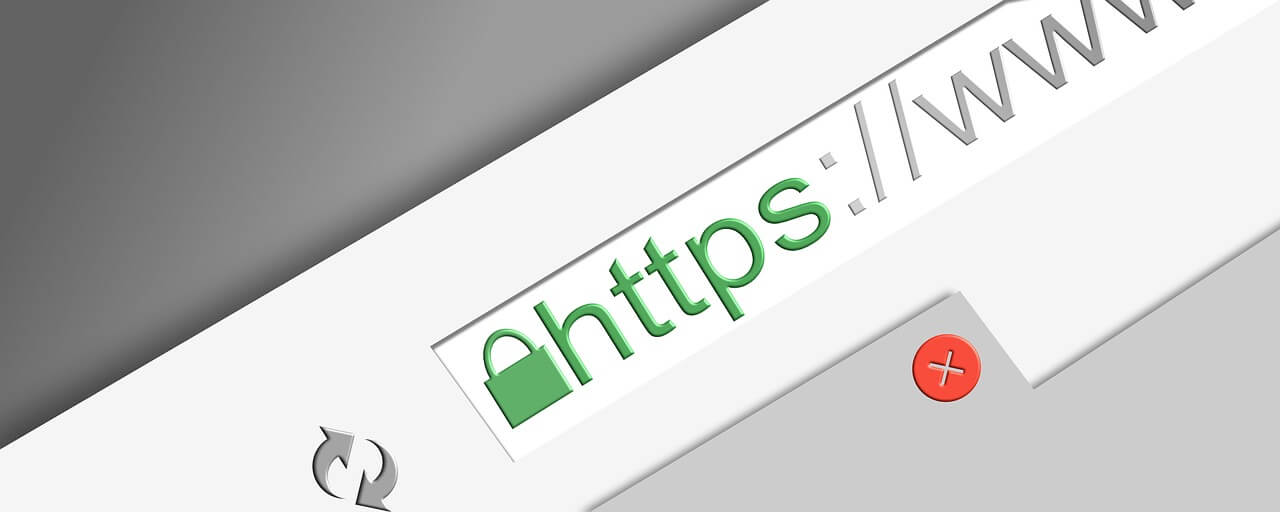
An SSL certificate encrypts everything your clients send through your website: gallery passwords, forms and payments. Without it, browsers show a «Not secure» warning. We explain it in detail in what an SSL certificate is and why your website needs one. At Arcadina it is included on every website and renews automatically.
8. Know who maintains your website
A website needs constant updates: the server, the CMS, plugins and backups. If you run your own WordPress site, that job is yours. With a platform like Arcadina, we take care of it: we apply security updates, back up our servers and there are no third-party plugins to maintain.
What to do if you think an account has been stolen
- Change that account’s password from a device you know is clean.
- Also change your email password and any service where you used the same one.
- Turn on two-step verification.
- Check your email for forwarding rules or filters you did not create.
- If it affects your Arcadina website, get in touch and we will help you check it.
You take the photos, we handle the tech
No measure is foolproof, but these habits cut the risk dramatically. And if you want to forget about the technical side of your website, Arcadina gives you your website, private client galleries and business tools with maintenance included. See the plans and try it for free.
Free trial · No card · No lock-in
Build your photography business online
Sales with no commission · Everything in one plan · 30-day free trial, no card