🔒 SSL certificate: what it is and why your photography website needs one
The padlock and the «https» next to a website’s address are not decoration. They show that the connection between your website and its visitors is encrypted. If your website has a contact form, password-protected private galleries or a shop to sell your photos, an SSL certificate is essential: without one, browsers warn your visitors that the page is not secure.
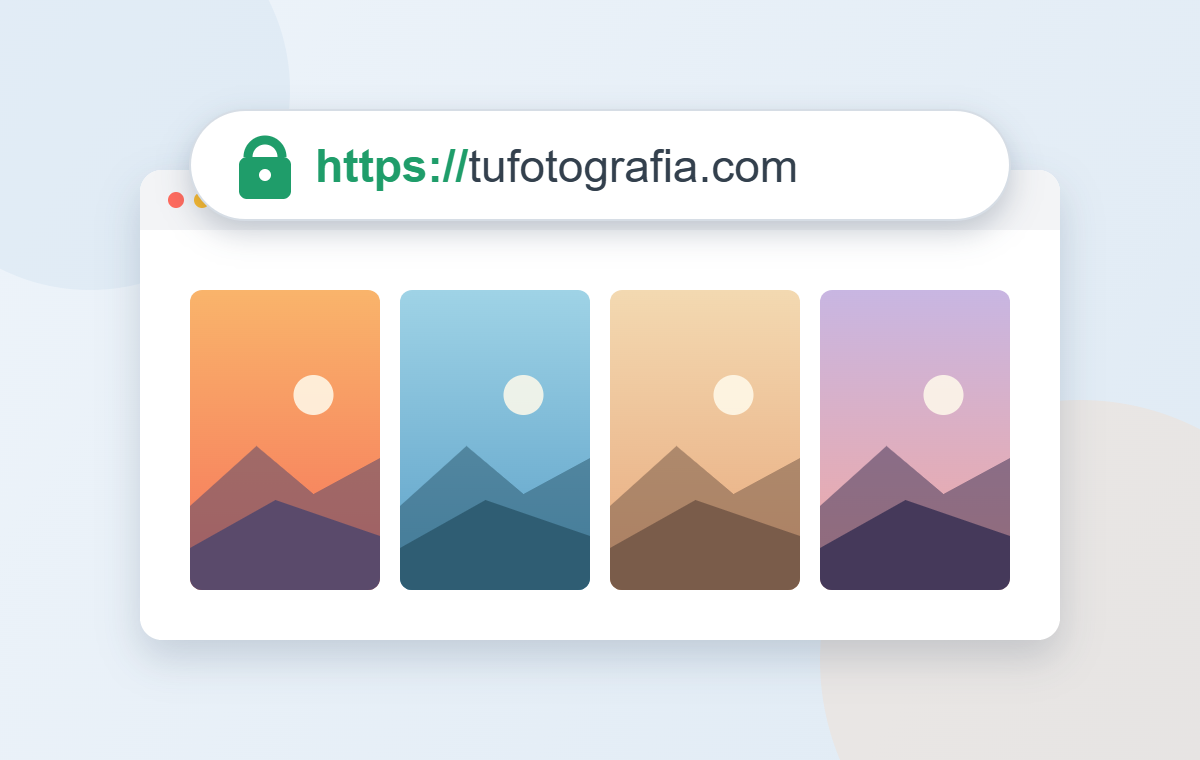
In this article we explain what an SSL certificate is, what it protects (and what it doesn’t), how to check whether your website has one and what happens if it doesn’t.
What is an SSL certificate?
An SSL certificate is a small file installed on your website’s server that encrypts the information travelling between that server and your visitors’ browsers. Technically the protocol is now called TLS, but everyone still calls it SSL.
Thanks to encryption, nobody «listening in» along the way (on a public wi-fi network, for example) can read or alter what is sent: form details, a gallery password or payment information.
What an SSL certificate protects… and what it doesn’t
SSL protects information while it travels. On a photographer’s website, that includes:
- The passwords your clients use to access their private galleries.
- The details they send you through your contact or quote form.
- Payment information when they buy photos or book a session.
- Your own login details when you access your website’s dashboard.
What SSL does not do is protect your website from everything else: a weak password, an outdated plugin or a security flaw on the server. The padlock means the connection is private, not that the website is invulnerable. That is why it pays to know who takes care of the rest of your website’s maintenance.
How to check whether your website has an SSL certificate
- Open your website and look at the address: it should start with https://, not http://.
- Look at the icon to the left of the address. If the browser says «Not secure», your website has no SSL or it is not set up correctly.
- Click that icon: the browser will tell you whether the connection is secure and which domain the certificate was issued for.
- Also check your domain with and without «www», and a few inner pages such as your galleries or contact form.
What happens if your website has no SSL
- Distrust. The «Not secure» warning appears next to your address, and many visitors leave before getting in touch.
- Forms and payments at risk. Your clients’ details travel unencrypted.
- Search rankings. Google uses https as one of the signals for ranking results and treats it as the standard for any professional website.
- Browser issues. More and more browsers block or warn before a form is sent from an unencrypted page.
How much it costs and who renews it
Certificates expire and must be renewed regularly. If you run your own website, check whether your hosting includes one and whether renewal is automatic: an expired certificate shows visitors an even more alarming warning than having none at all.
At Arcadina, every website has its own SSL certificate on its own domain. It is included in all plans at no extra cost and renews automatically. Your private client galleries, forms and sales always run over an encrypted connection, with nothing for you to set up.
Moving from http to https? Check Search Console
If your website already existed on http and moves to https, make sure it is added to Google Search Console as a domain property. That way Google treats every version of your site (with and without www, http and https) as one report and you keep your history.
A secure website, without the technical work
An SSL certificate is just one of the pieces that keep your website secure. If you would rather spend your time taking photos than renewing certificates or updating plugins, Arcadina gives you your photography website, galleries and business tools with maintenance included. See the plans and try it for free.
Free trial · No card · No lock-in
Build your photography business online
Sales with no commission · Everything in one plan · 30-day free trial, no card